


 Crypto.
 О нас
О нас
 Passport
 Conference call
 send money
 Условия использования
 Конфиденциальность
 Sierra market
Check Every Device Logged Into Your Instagram
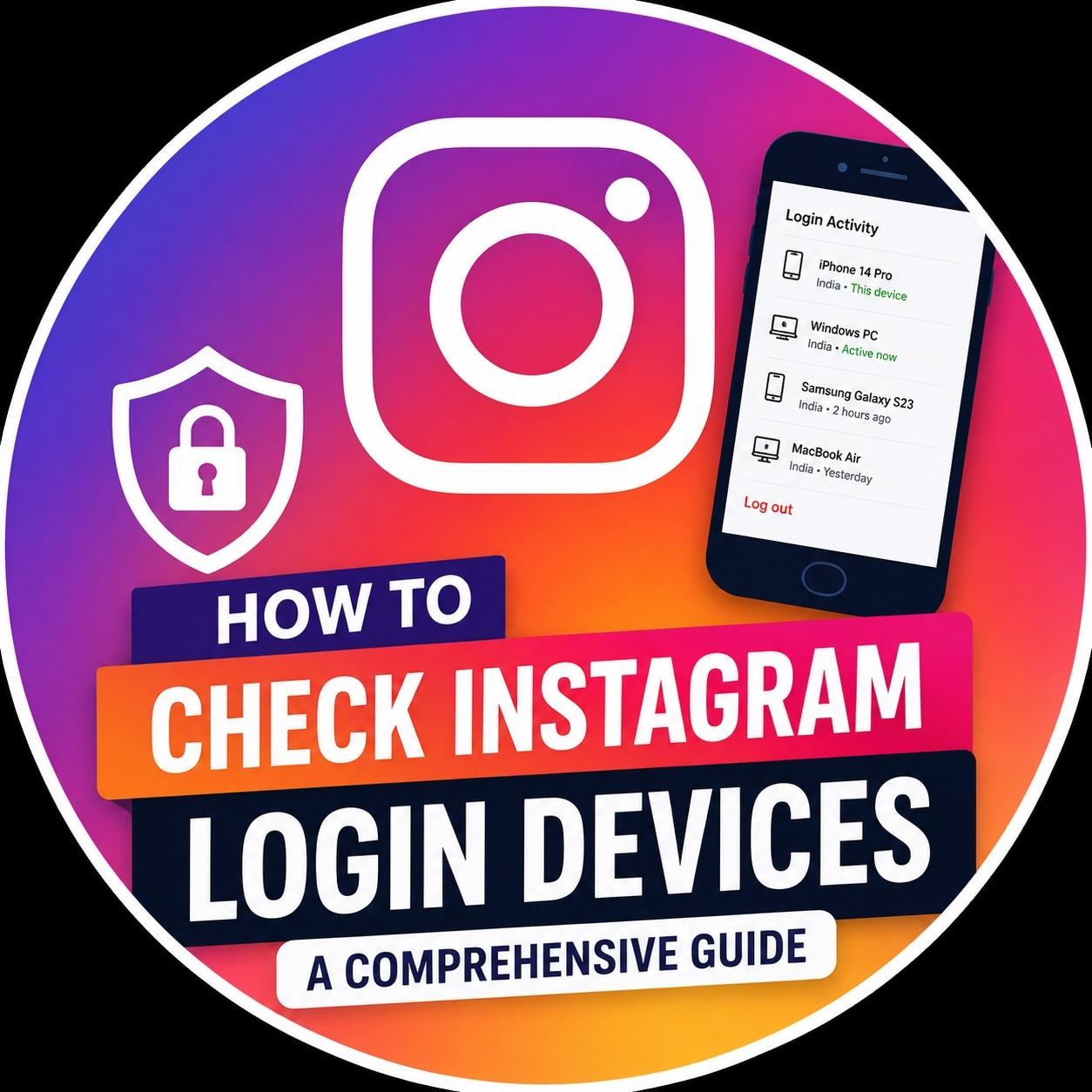
You can check your Instagram login devices on Instagram. This is a way to protect your Instagram account because it helps you find any suspicious logins and stop people from accessing your personal information. To check login devices of your Instagram account to do this go to Settings, Accounts Center, then Password and Security and finally Where You're Logged In.
Here you will see all the devices that are currently logged in to your Instagram account. Instagram will show you what device was used, where it logged in from and when it last logged in.
Bub
Do?

Категории
Больше
Windscribe moves beyond VPNs by forming a strategic alliance with specialized privacy tools. This initiative offers a compartmentalized approach to digital security. Pro subscribers gain access to exclusive discounts across a curated suite of independent services. The partnership includes encrypted note-taking, anonymous email aliasing, and private photo storage. Decentralization is key; using...

Imagine the morning commute transformed into a cinematic escape. As autonomous vehicles take the wheel, your daily drive becomes personal time. Volvo envisions passengers immersed in shows and films, turning travel into entertainment. Partnering with Ericsson, they are engineering seamless, high-quality streaming for the road. This collaboration aims to ensure your favorite series plays without...
New Artifacts Overview Season 6 brings twelve brand-new artifacts, each tuned for more specific roles than the standard artifacts. These new items emphasize niche effects and distinct playstyles instead of broad, general-purpose bonuses. Below is the complete roster of all twelve additions: When an ally’s HP falls below 50%, immediately recover a portion of their missing health and grant...
Die epische Waffenreihe Nod's Edge in Genshin Impact bietet dir eine kostenlose Möglichkeit, starke Ausrüstung zu erhalten, die perfekt auf die Mondreaktionen der Region abgestimmt ist. Die sekundären Werte konzentrieren sich meist auf Elementarbeherrschung und Energierückgewinnung – ideale Eigenschaften für Unterstützer mit teuren Ultimates oder hohem...
ISP Performance Highlights Several internet service providers demonstrated improved performance in the latest monthly rankings. The Netflix ISP Speed Index for July recorded meaningful speed gains across various regions. This index measures the quality of the prime-time streaming experience delivered by ISPs. Dansk Kabel TV in Denmark led the improvements with a significant rise. Its average...
